xTool F2 Ultra UV Slate Settings: Power, Speed & Frequency Chart (2026)
Sourced xTool F2 Ultra UV slate settings for power, speed, passes, lines/cm and frequency, plus a test-grid method, photo tips and troubleshooting.
Updated 7 min read
On this page
- Quick answer: the best starting settings
- xTool F2 Ultra UV slate settings chart
- Why the numbers disagree
- What the settings mean
- What results to expect
- Why a UV laser works well on slate
- Step-by-step: engraving a slate coaster
- 1. Prep the slate
- 2. Focus
- 3. Run a test grid
- 4. Prepare the artwork
- 5. Engrave
- 6. Finish
- Troubleshooting
- FAQ
- Can the xTool F2 Ultra UV engrave slate?
- What frequency should I use on slate?
- Do I need air assist for slate?
- Why is my slate engraving grey instead of white?
- Do I need a jig for slate coasters?
- Can I engrave photos on slate?
- How do I seal an engraved slate coaster?
- Can I use xTool's material presets for slate?
- Final thoughts
- Sources
Last updated: October 28, 2026
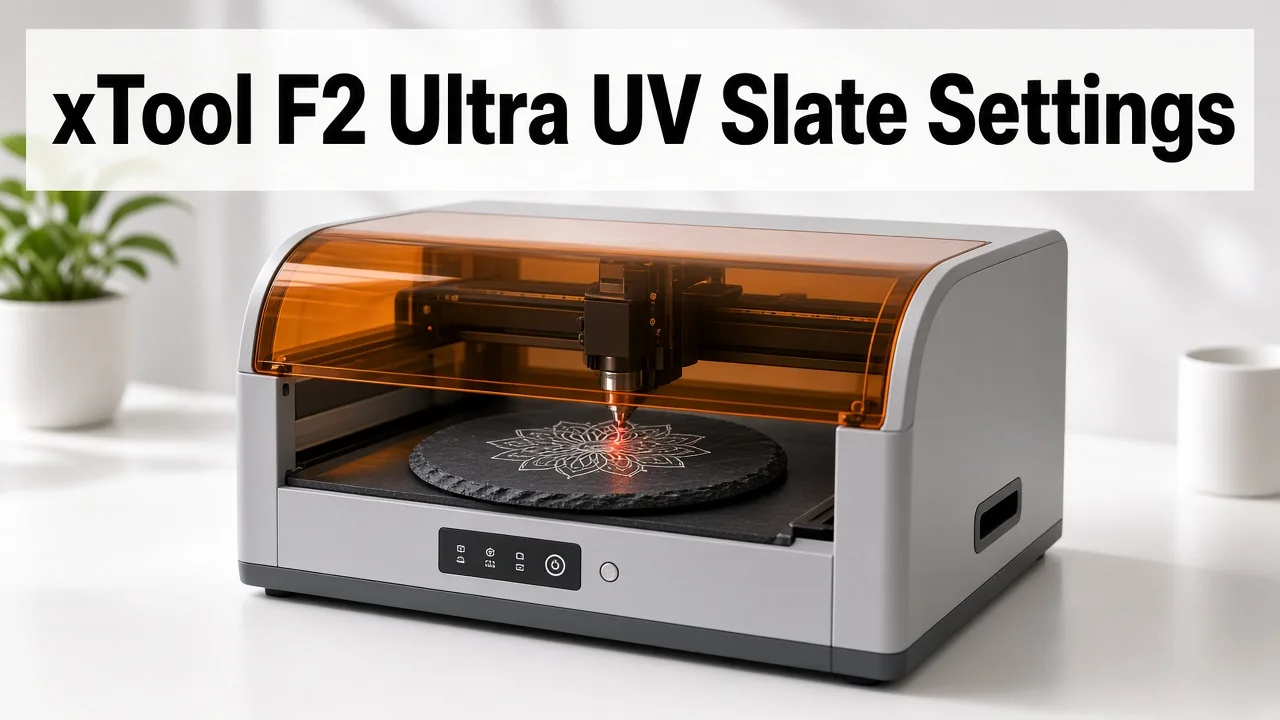 Slate is one of the easiest stones to mark with a 5W UV laser. (AI-generated illustration, generic machine.)
Quick facts
- Machine: xTool F2 Ultra UV, 5W, 355 nm ultraviolet galvo laser
- Safe starting point: 250 mm/s, 50% power, 1 pass (community)
- Bright light-grey mark: 299 mm/s, 99% power, 551 lines/cm, 40 kHz, 1 pass (L3D tested)
- Thick 7 mm coasters: 100 mm/s, 90% power, 2 passes (Atomm user record)
- Frequency range on this machine: 40–150 kHz (xTool)
- Coating needed? No. UV ablates the dark surface to reveal lighter stone
- Artwork: invert (negative) and dither photos
- Always: run a test grid, because slate varies from quarry to quarry
Quick answer: the best starting settings
Start at 250 mm/s, 50% power, 1 pass. If the mark looks dull grey, raise power in 5–10% steps or slow down.
For the brightest result, try the tested L3D recipe: 99% power, 299 mm/s, 551 lines/cm, 40 kHz.
xTool F2 Ultra UV slate settings chart
| Result / use | Power | Speed | Passes | Lines/cm or DPI | Frequency | Source |
|---|---|---|---|---|---|---|
| White mark on slate coaster | 50% | 250 mm/s | 1 | not stated | not stated | Bonny Creations (community) |
| Light-grey vector engrave | 99% | 299 mm/s | 1 | 551 LPC | 40 kHz | L3D Accessories (tested) |
| Painted slate (white, then black coat) | 94% | dot duration 299 µs | 1 | 401 DPI | 40 kHz | L3D Accessories (tested) |
| 4.5 mm rectangular rock slate | 100% | 150 mm/s | 2 | not stated | not stated | Atomm user record |
| 7 mm SVG slate coaster | 90% | 100 mm/s | 2 | not stated | not stated | Atomm user record |
The Bonny and Atomm rows don't list lines/cm or frequency. If you need a value, xTool notes that 100 lines/cm equals 254 DPI, and the L3D recipes all run at 40 kHz. Those come from a different recipe, though, so test before mixing them in.
Tip: Keep each row's numbers together. Mixing power from one row with speed from another gives a combination nobody tested.
Why the numbers disagree
- Slate batches differ. Density, mica content and surface finish change how fast the stone ablates.
- Thickness affects focus, not energy, but an off-focus beam looks weaker.
- Goal differs. A soft grey photo needs less energy than a deep, bright logo.
What the settings mean
- Power (%): laser output. Higher means deeper ablation.
- Speed (mm/s): slower puts more energy into each spot.
- Passes: each pass removes a bit more stone.
- Lines per cm: line density. Higher fills solid areas but takes longer.
- Frequency (kHz): pulse rate, 40–150 kHz on the F2 Ultra UV. Higher gives smoother greyscale; lower gives spaced, rougher pulses.
- Dot duration (µs): time per dot in bitmap mode. Too long can cause a whitening, blown-out look.
What results to expect
- Light grey to white, not pure white. L3D labels its 99% recipe "engraves light grey".
- Overdoing it backfires. A 2026 Fab Academy test of the F2 Ultra on stone found that too much energy turned light marks dark and cut contrast. A light pass worked better.
- Mixed-mineral stone can show the stone's own pattern instead of your image. Choose even, fine-grained slate.
Why a UV laser works well on slate
A 355 nm UV beam is absorbed in a very thin surface layer. That means a "cold" mark with little heat spread, crisp edges and less chipping than many hotter lasers.
Slate behaves almost like a binary material: it marks light or not at all. So you get shades by spacing dots, not by changing the depth.
Step-by-step: engraving a slate coaster
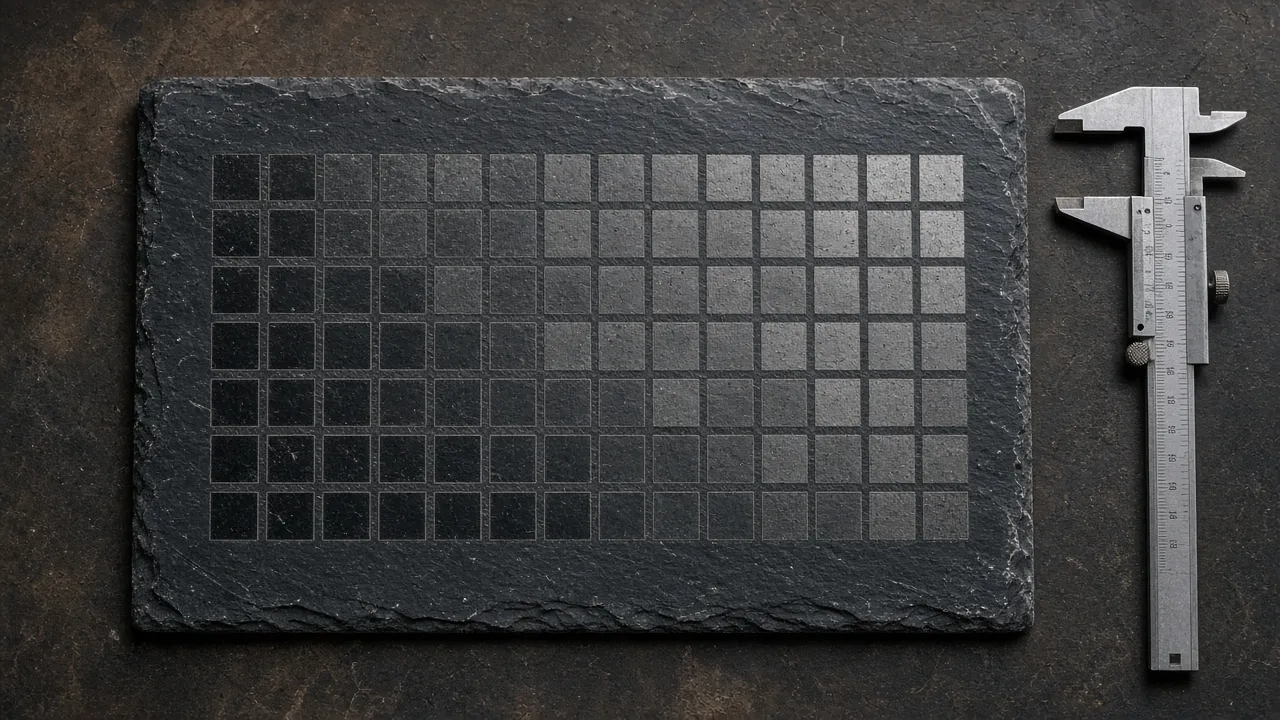 A power and speed test grid shows which setting gives the cleanest white on your batch.
1. Prep the slate
- Wipe with a damp cloth and let it dry completely. Trapped moisture can cause tiny steam pops.
- Check flatness. Shim a rocking coaster with card.
- Use a coaster jig so every blank sits in the same place.
2. Focus
- The F2 Ultra UV autofocuses with a camera and a laser rangefinder. For manual focus, line up the red and blue indicator lights until they overlap (xTool FAQ).
- On uneven slate, focus on the highest point of the engraving area.
- Don't resize a calibration grid after loading it; scaling changes energy per area.
3. Run a test grid
- Vary power and speed (and frequency if you like) in small squares.
- Judge under even light. Pick clean edges, no chipping, steady tone.
- Repeat the grid when you switch slate brands.
4. Prepare the artwork
- Invert the image (negative). The laser makes light marks on dark stone.
- For photos, use dithering such as Jarvis or Stucki, not grayscale.
- Set dot spacing so dots touch without overlapping. Overlap washes the image out.
5. Engrave
- Use uni-directional mode for the sharpest edges on fine text; bi-directional is faster.
- Avoid strong airflow straight over the stone during the job.
6. Finish
- Brush off dust, then wipe.
- For coasters in daily use, rub in a thin layer of food-safe mineral oil and buff off the excess. It deepens the black and protects the surface (Mr Carve, ZapCraft).
- A matte clear spray also works. Use one or two very light coats, because a heavy sealer can dull the contrast.
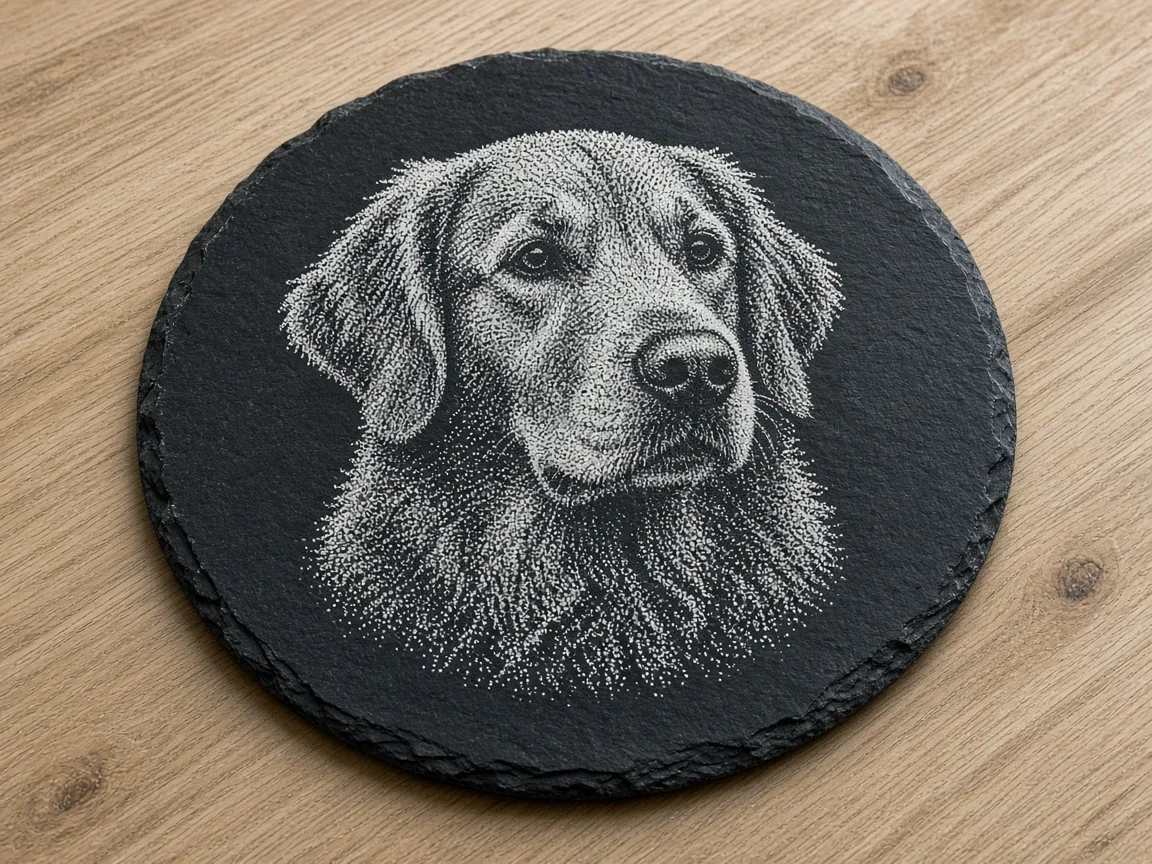 Dithered, inverted photos give the best detail on slate. (AI-generated example.)
Troubleshooting
| Problem | Likely cause | Fix |
|---|---|---|
| Mark is grey, not white | Too little energy | +5% power or −10% speed |
| Rough, cratered or chipped | Too much energy | Lower power or add speed |
| Photo looks washed out | Dots overlap | Lower lines/cm or DPI |
| Photo looks too dark | Dots too far apart | Raise lines/cm slightly |
| Uneven tone across coaster | Not flat or off focus | Shim and refocus |
| Small pops on surface | Damp stone | Dry fully before engraving |
FAQ
Can the xTool F2 Ultra UV engrave slate?
Yes. The UV beam ablates the dark top layer and reveals lighter stone, with no coating.
What frequency should I use on slate?
The tested L3D recipes use 40 kHz. The machine allows 40–150 kHz, and higher frequency gives smoother greyscale. Test both ends.
Do I need air assist for slate?
No sourced F2 Ultra UV slate setting requires it. The Atomm calibration guide says to avoid airflow directly over the slate.
Why is my slate engraving grey instead of white?
It usually needs more energy or better focus. Raise power in 5% steps or slow down.
Do I need a jig for slate coasters?
It isn't required, but a jig makes batch jobs line up every time.
Can I engrave photos on slate?
Yes. Invert the photo and use dithering. Pure grayscale mode usually looks muddy on slate.
How do I seal an engraved slate coaster?
Wipe on a thin coat of food-safe mineral oil and buff it off, or use one or two very light coats of matte clear spray.
Can I use xTool's material presets for slate?
xTool says its presets give the best results only with xTool's own materials. With other slate, run a material test array first.
Final thoughts
Begin at 250 mm/s and 50% power, then run a grid. Move towards the L3D 99% / 299 mm/s / 40 kHz recipe if you want a brighter mark. Save the winning row as a material preset for each slate supplier.
Sources
- xTool Support, Processing Parameters for F2 Ultra UV: https://support.xtool.com/article/2699
- Atomm, Laser Engraving Slate: Settings by Machine: https://www.atomm.com/blog/2820-laser-settings-for-slate
- Atomm, Slate Engraving Calibration Grid (F2 Ultra UV): https://www.atomm.com/project/115866-slate-engraving-calibration-grid-power-speed-greyscale-map
- L3D Accessories, F2 Ultra UV laser settings: https://www.l3daccessories.com/pages/xtool-f2-ultra-uv-laser-settings
- Bonny Creations, Slate on the F2 Ultra UV: https://www.bonnycreations.com/settings/machines/xtool-f2-ultra-uv/slate
- LaserUser, How to laser engrave slate: https://laseruser.com/how-to-laser-engrave-slate/
- xTool Support, F2 Ultra UV FAQs: https://support.xtool.com/article/2870
- xTool Support, Process on Flat Surface: https://support.xtool.com/article/3840
- Atomm, Slate Coaster Engraving Parameter Test: https://www.atomm.com/project/171369-slate-coaster-engraving-test
- Fab Academy 2026, xTool F2 Ultra bootcamp: https://academany.fabcloud.io/fabacademy/2026/bootcamp-instructors/workshops/Xtool_F2_Ultra/
- Mr Carve, 9 Steps to Engrave a Slate Coaster: https://mr-carve.com/blogs/featured-blog/9-steps-to-engrave-a-slate-coaster-perfectly-at-home
- ZapCraft, Slate coasters prep & sealing: https://zapcraft.net/laser-engraving-slate-coasters-diode-laser/
- Tom's Hardware, F2 Ultra UV review: https://www.tomshardware.com/maker-stem/xtool-f2-ultra-uv-dual-laser-engraver-review
- LightBurn forum, settings for slate: https://forum.lightburnsoftware.com/t/lightburn-set-for-on-slate/118912
Keep reading
xTool F2 Ultra UV Ceramic Settings: Tiles & Mugs Chart (2026)
Sourced xTool F2 Ultra UV ceramic settings for glazed tiles and mugs: power, speed, passes and DPI, plus rotary tips, test method and troubleshooting.
Read more6 min read
Can a UV Laser Engrave Slate?
Yes. A 355 nm UV laser marks slate as a light grey to white image on dark stone. Here is what changes the result, and where to start on the F2 Ultra UV.
Read more2 min read
Can a UV Laser Engrave Glass?
A 355 nm UV laser can frost glass and, with the right lens, engrave inside crystal. Surface marking and inner engraving are different jobs.
Read more2 min read