xTool F2 Ultra UV Ceramic Settings: Tiles & Mugs Chart (2026)
Sourced xTool F2 Ultra UV ceramic settings for glazed tiles and mugs: power, speed, passes and DPI, plus rotary tips, test method and troubleshooting.
Updated 6 min read
On this page
- Quick answer: the best starting settings
- xTool F2 Ultra UV ceramic settings chart
- What results to expect
- Why UV is ideal for ceramic
- What the settings mean
- Step-by-step: engraving a ceramic tile
- 1. Clean
- 2. Focus
- 3. Test
- 4. Artwork
- 5. Engrave
- 6. Finish
- Engraving ceramic mugs with the rotary
- Troubleshooting
- FAQ
- Can the xTool F2 Ultra UV engrave ceramic?
- Do I need CerMark for UV ceramic engraving?
- What DPI should I use on ceramic tile?
- Is a UV-engraved mug food safe?
- Can a UV laser crack ceramic?
- Why can't I see my engraving on a white mug?
- Do xTool's material presets work on any ceramic?
- Can I cut ceramic with the F2 Ultra UV?
- Final thoughts
- Sources
Last updated: October 28, 2026
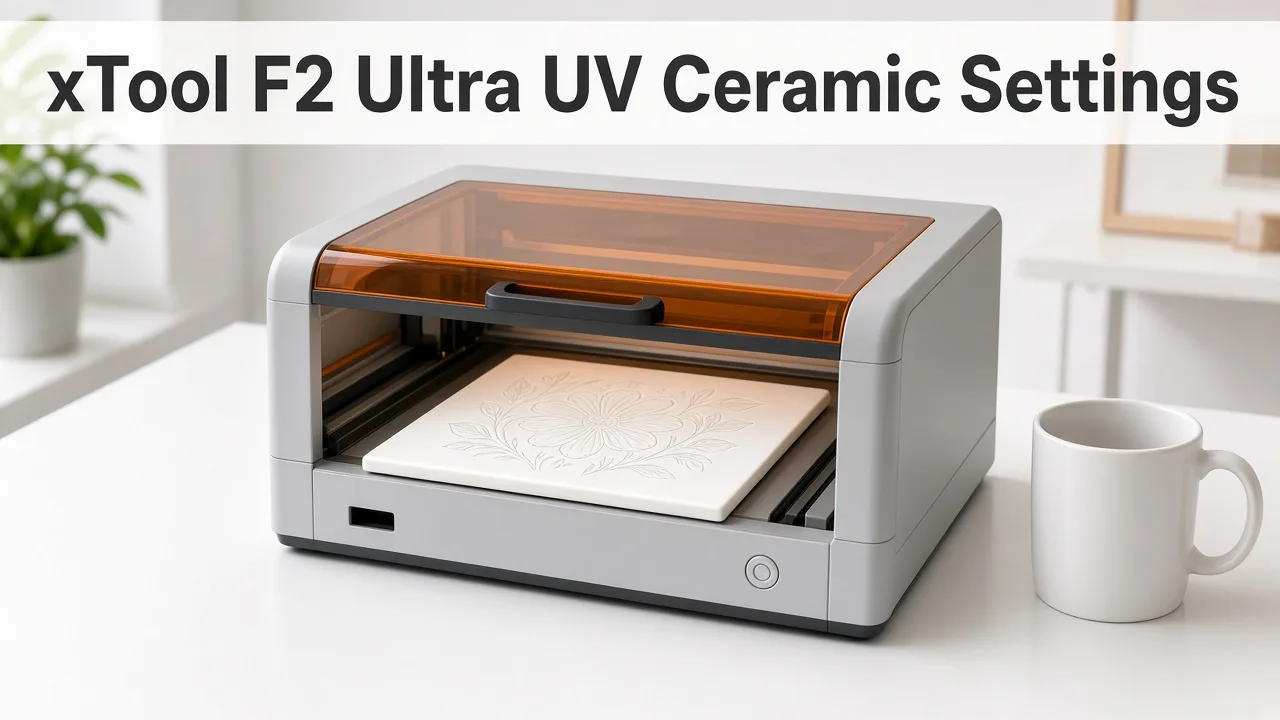 A UV laser marks glazed ceramic directly, with no CerMark or paint. (AI-generated illustration, generic machine.)
Quick facts
- Machine: xTool F2 Ultra UV, 5W, 355 nm UV galvo laser
- Ceramic tile: 250 mm/s, 45% power, 1 pass, 600 DPI (community)
- Ceramic mug: 200 mm/s, 45% power, 1 pass, 600 DPI, rotary required (community)
- Deep mug engrave: 100% power, 88 mm/s, 2 passes, about 40 minutes (Tom's Hardware, using an xTool preset)
- Result: a white or frosted matte mark in the glaze
- Coating needed? No. CO2 and diode lasers usually need CerMark or paint; UV does not
- Frequency range: 40–150 kHz (xTool)
- Best contrast: white or light glazes
- Risk: too much energy can yellow, burn or crack the glaze
Quick answer: the best starting settings
For flat glazed tiles, start at 45% power, 250 mm/s, 1 pass, 600 DPI.
For mugs on the rotary, start at 45% power, 200 mm/s, 1 pass.
Raise power or add a pass only if the mark is too faint.
xTool F2 Ultra UV ceramic settings chart
| Item | Power | Speed | Passes | DPI | Air assist | Rotary | Source |
|---|---|---|---|---|---|---|---|
| Glazed ceramic tile | 45% | 250 mm/s | 1 | 600 | No | No | Bonny Creations (community) |
| Glazed ceramic mug | 45% | 200 mm/s | 1 | 600 | No | Yes | Bonny Creations (community) |
| Mug, deep engrave through glaze (xTool Studio "white glazed ceramic board" preset) | 100% | 88 mm/s | 2 | not stated | not stated | Yes | Tom's Hardware review |
Note: xTool's general ceramic blog suggests about 90% power at 45 mm/s, but that is for lower-power diode-style machines, not the F2 Ultra UV. Don't use it as an F2 Ultra UV starting point.
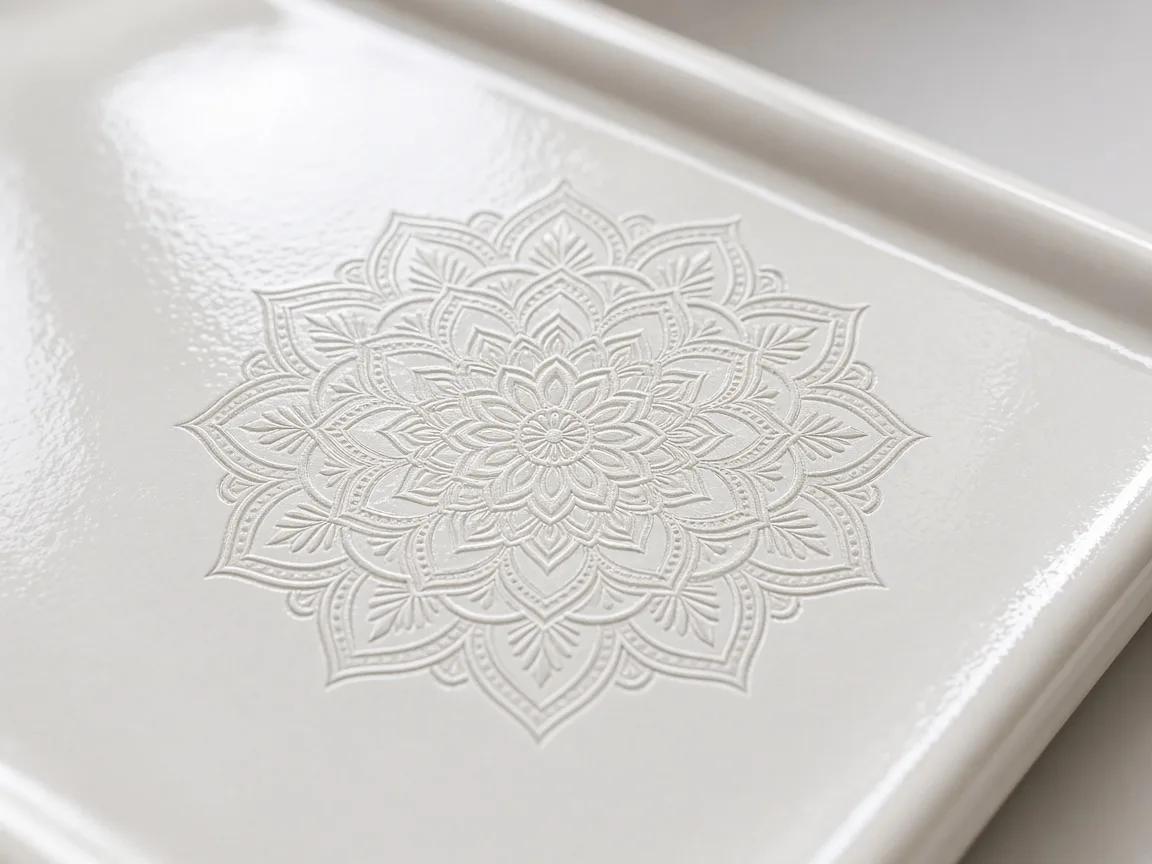 UV leaves a fine frosted mark in the glaze. (AI-generated example.)
What results to expect
- The mark depends on the glaze. Bonny reports a deep white frost on tile. An Atomm maker got dark-grey, sketch-like lines on matte white coasters, with no chipping or cracking.
- White on white can be nearly invisible. Hackster's reviewer could only see a mark on a white plate under glancing light. Contrast is best when the glaze differs in colour from the ceramic underneath.
- Deep engraving reveals the body. Tom's Hardware cut through a mug's glaze at 100% / 88 mm/s / 2 passes and found a light blue left behind. They ran a silver marker over the letters to make them pop.
Why UV is ideal for ceramic
- Thin surface absorption. At 355 nm, glaze absorbs the energy in a very thin layer.
- Low heat. Less thermal stress means less risk of micro-cracks than infrared or CO2.
- No coating. No CerMark spray, no paint, no rinse step.
- Fine detail. Small text, line art and logos stay sharp.
What the settings mean
- Power: too high can yellow or crack the glaze.
- Speed: slower is stronger but adds heat.
- DPI / lines per cm: 600 DPI gives a solid fill; 300 DPI is faster for big areas.
- Frequency (40–150 kHz): higher tends to give a smoother, more even frost.
- Uni-directional mode: cleaner edges on fine text; bi-directional is faster.
Step-by-step: engraving a ceramic tile
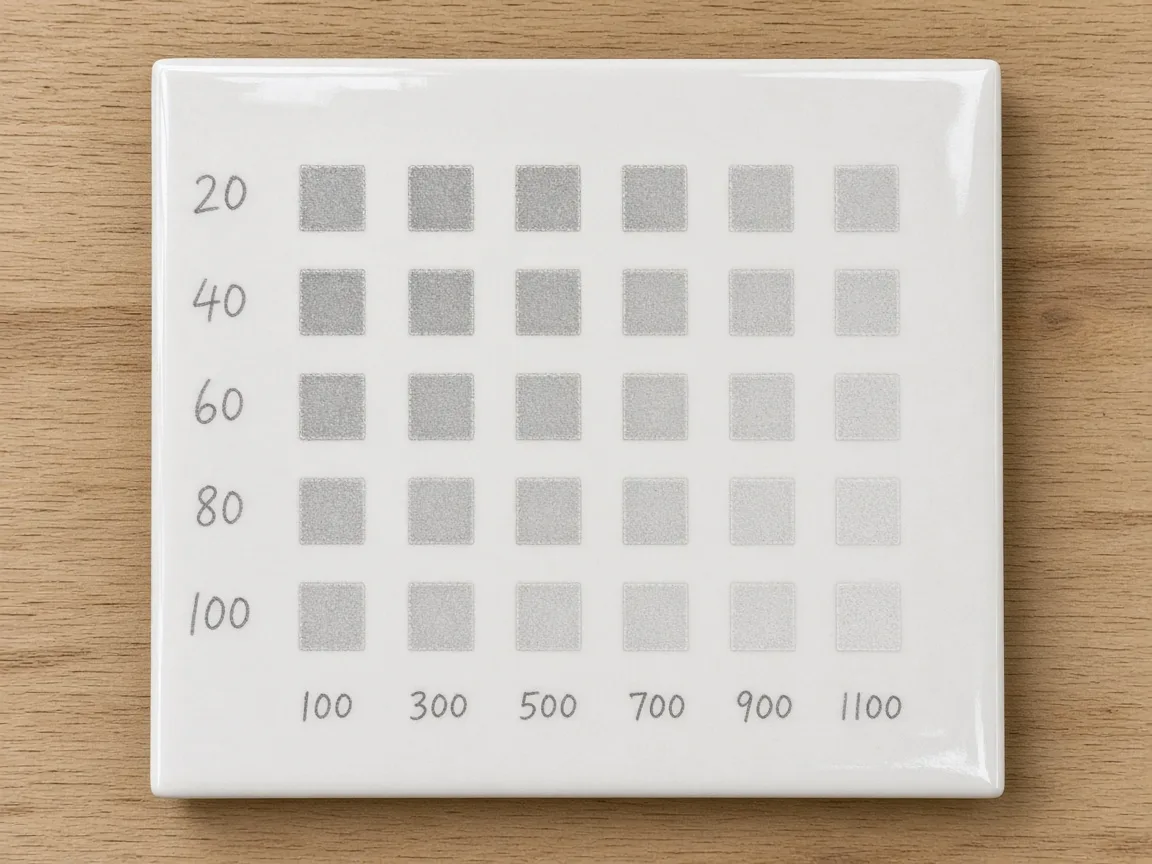 Run a small grid on a spare tile first. (AI-generated illustration; numbers are examples only.)
1. Clean
- Wipe the glaze with isopropyl alcohol to remove grease and fingerprints.
2. Focus
- Autofocus on the glaze surface. Curved or textured tiles need a check in several spots.
3. Test
- Run a small power and speed grid on a spare tile or the back of the piece.
- Start at 45% / 250 mm/s and step power up and down by 5%.
4. Artwork
- Use clean vector line art or high-contrast images.
- White or light glaze gives the strongest frosted contrast; dark glaze gives a subtler mark.
5. Engrave
- Run 1 pass. Add a second only if the mark is too faint.
6. Finish
- Wipe off dust. The mark is in the glaze, so it is permanent.
Engraving ceramic mugs with the rotary
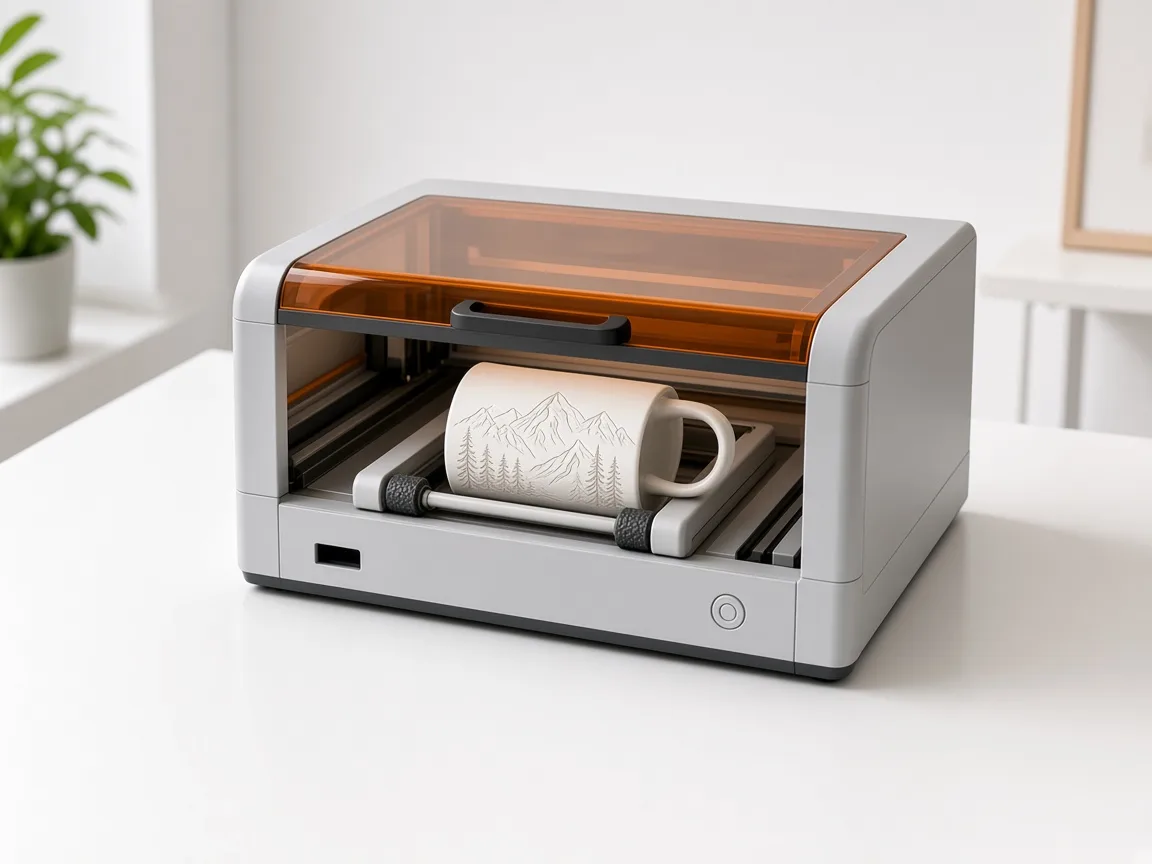 Mugs need a rotary so the glaze stays in focus. (AI-generated example.)
- Start at 45% power, 200 mm/s, 1 pass.
- Level the mug on the rollers so the surface is parallel to the bed.
- Keep designs narrow around the curve, or use the rotary's full wrap mode.
- Test on the mug's bottom edge if you have no spare.
- In xTool Studio, choose the rotary mode and enter the mug's diameter. Studio works out the rotation (xTool rotary guide).
- For tapered or odd-shaped pieces that won't sit on the rotary, use Curved material mode with 3D measurement (xTool support).
Troubleshooting
| Problem | Likely cause | Fix |
|---|---|---|
| Faint or no mark | Too little energy or out of focus | Refocus, +5% power or slower speed |
| Yellow or brown mark | Too much heat | Lower power, raise speed |
| Hairline cracks | Too much energy in one area | Lower power, use 1 pass |
| Blurry edges on mug | Mug not level on rotary | Re-level and refocus |
| Patchy frost | Dirty glaze | Clean with isopropyl alcohol |
FAQ
Can the xTool F2 Ultra UV engrave ceramic?
Yes. It marks glazed tiles and mugs directly, leaving a frosted or grey mark.
Do I need CerMark for UV ceramic engraving?
No. CerMark is for CO2 and diode lasers. UV marks the glaze without a coating.
What DPI should I use on ceramic tile?
The community setting uses 600 DPI. Try 300 DPI on large fills to save time.
Is a UV-engraved mug food safe?
The mark is in the existing glaze with no added coating. Check your mug maker's food-safety rating, and avoid engraving where lips touch if unsure.
Can a UV laser crack ceramic?
It is less likely than with hotter lasers, but too much power or many passes can still cause cracks. Stay at 1 pass where possible.
Why can't I see my engraving on a white mug?
White glaze over a white body gives little contrast. Use a coloured glaze, go deeper, or colour-fill the mark with a paint marker.
Do xTool's material presets work on any ceramic?
xTool says presets give the best results with xTool materials. For other tiles and mugs, run a material test array first.
Can I cut ceramic with the F2 Ultra UV?
No sourced setting exists for cutting ceramic. Treat it as engrave-only.
Final thoughts
Use 45% power at 250 mm/s for tiles and 200 mm/s for mugs, then fine-tune with a test grid. Light glazes give the best contrast, and a single clean pass protects the glaze.
Sources
- Bonny Creations, F2 Ultra UV Ceramic Tile: https://www.bonnycreations.com/settings/machines/xtool-f2-ultra-uv/ceramic-tile
- Bonny Creations, F2 Ultra UV settings (mug): https://www.bonnycreations.com/settings/machines/xtool-f2-ultra-uv
- xTool Support, Processing Parameters for F2 Ultra UV: https://support.xtool.com/article/2699
- xTool, How to Laser Engrave Ceramic: https://www.xtool.com/blogs/how-to/laser-engrave-ceramic
- Lasit, UV laser marking on ceramics: https://www.lasitlaser.com/uv-laser-marking-on-ceramics-and-glazed-sanitaryware/
- Bonny Creations, F2 Ultra UV Ceramic Mug: https://www.bonnycreations.com/settings/machines/xtool-f2-ultra-uv/ceramic-mug
- Tom's Hardware, F2 Ultra UV review: https://www.tomshardware.com/maker-stem/xtool-f2-ultra-uv-dual-laser-engraver-review
- Hackster.io, xTool F2 Ultra UV: https://www.hackster.io/news/the-maker-s-toolbox-xtool-f2-ultra-uv-laser-machine-8ebaaea81825
- Atomm, F2 Ultra UV on white ceramic coasters: https://www.atomm.com/project/92285-testing-the-f2-ultra-uv-on-plain-white-ceramic-coasters
- xTool Support, F2 Ultra UV FAQs: https://support.xtool.com/article/2870
- xTool Support, Process a Curved Material: https://support.xtool.com/article/2706
- xTool Support, Rotary beginner's guide: https://support.xtool.com/article/2500
- xTool Support, Process on Flat Surface: https://support.xtool.com/article/3840
- LightBurn forum, UV 5W on ceramic tiles: https://forum.lightburnsoftware.com/t/uv-5w-can-it-engrave-ceramic-white-tiles/166754
- Tyvok, How to laser engrave ceramic: https://tyvok.com/blogs/news/how-to-laser-engrave-ceramic-mugs-tiles
Keep reading
xTool F2 Ultra UV Slate Settings: Power, Speed & Frequency Chart (2026)
Sourced xTool F2 Ultra UV slate settings for power, speed, passes, lines/cm and frequency, plus a test-grid method, photo tips and troubleshooting.
Read more7 min read
Can a UV Laser Engrave Slate?
Yes. A 355 nm UV laser marks slate as a light grey to white image on dark stone. Here is what changes the result, and where to start on the F2 Ultra UV.
Read more2 min read
Can a UV Laser Engrave Glass?
A 355 nm UV laser can frost glass and, with the right lens, engrave inside crystal. Surface marking and inner engraving are different jobs.
Read more2 min read